Chrysalis Book a walkthrough

Chrysalis Atlas, for children's homes

A day in Beech House, a children's home

The registered manager and the staff on shift keep Beech House's record together. Each home's record is kept separate, and staff see only the homes they work in. When they ask Mothy something, he names the source of each point.

Book a walkthrough with Austen

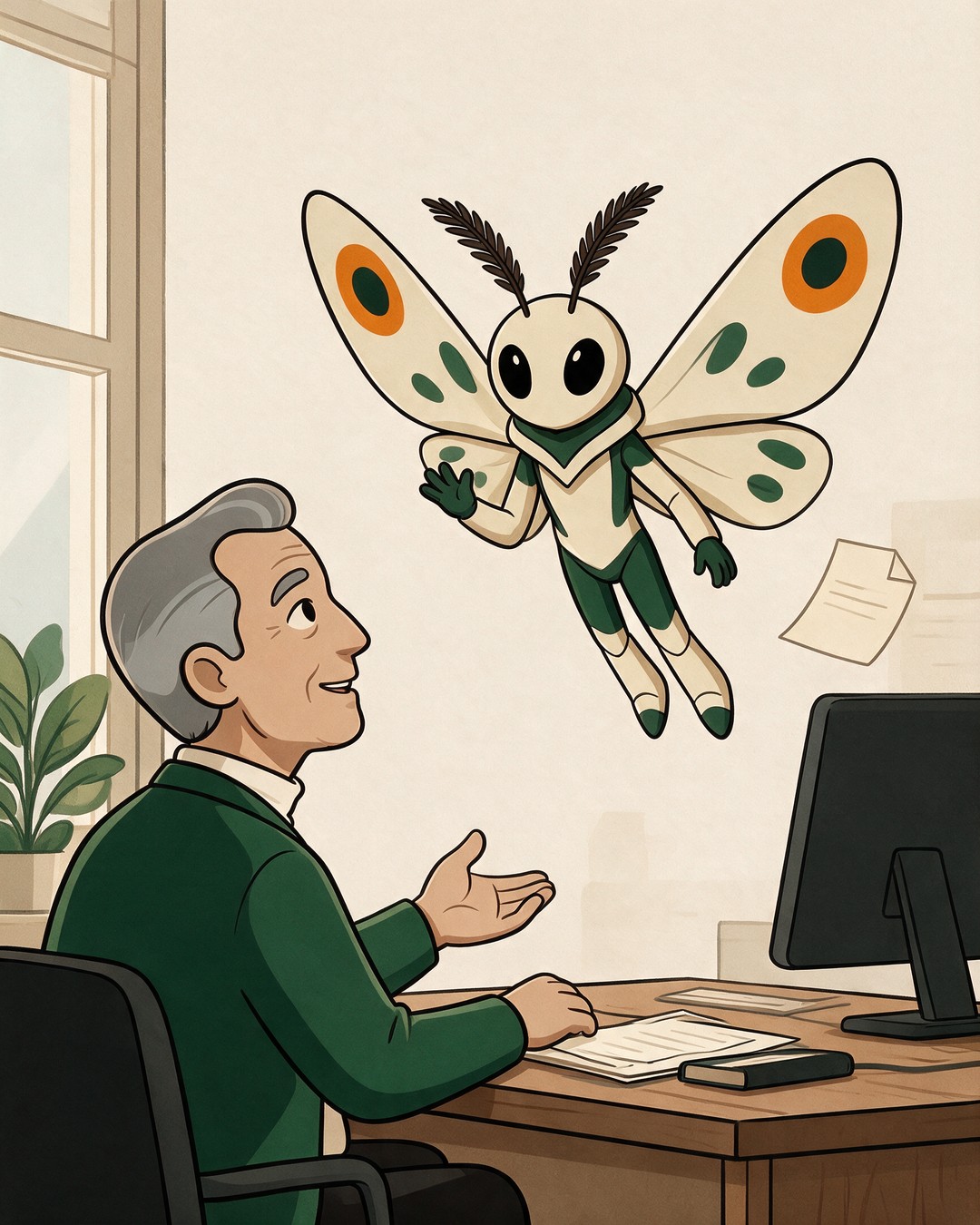
The manager at his desk turning to ask Mothy, who flies beside him.

Real screens, sample records.

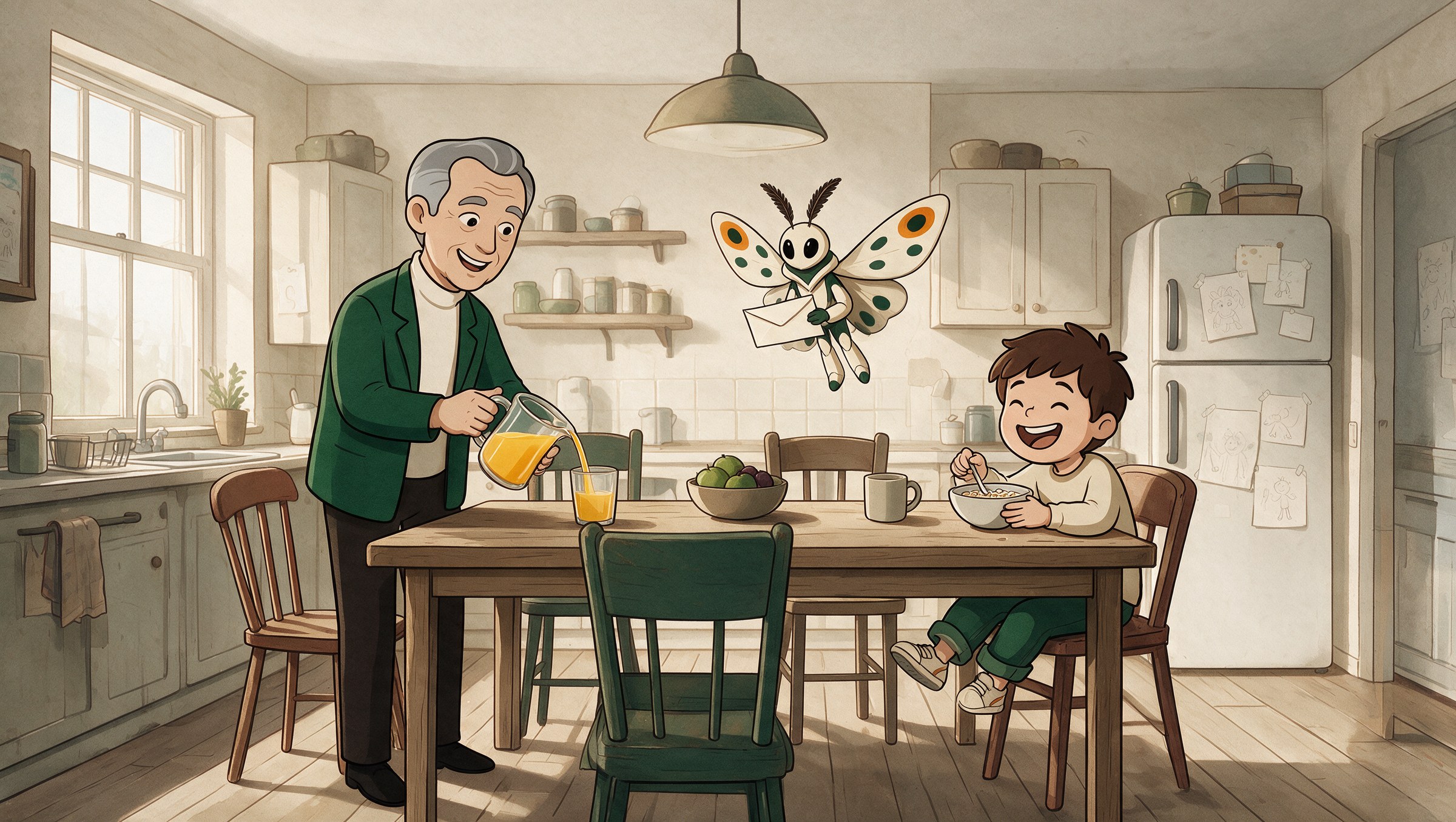
The manager pours juice at breakfast while a boy laughs over his cereal and Mothy flies above the table.

07:30

Breakfast, with the manager

The day starts with what is due

Over breakfast the manager taps a starter question about what is late or due this week. It fills the question box, and he sends it when he's ready.

Starter questions on the Ask screen

The Ask screen in Chrysalis Atlas shows four starter questions. Tapping one fills in the question box, ready to ask. Pick a starter question. It fills in the question. Ready to ask.
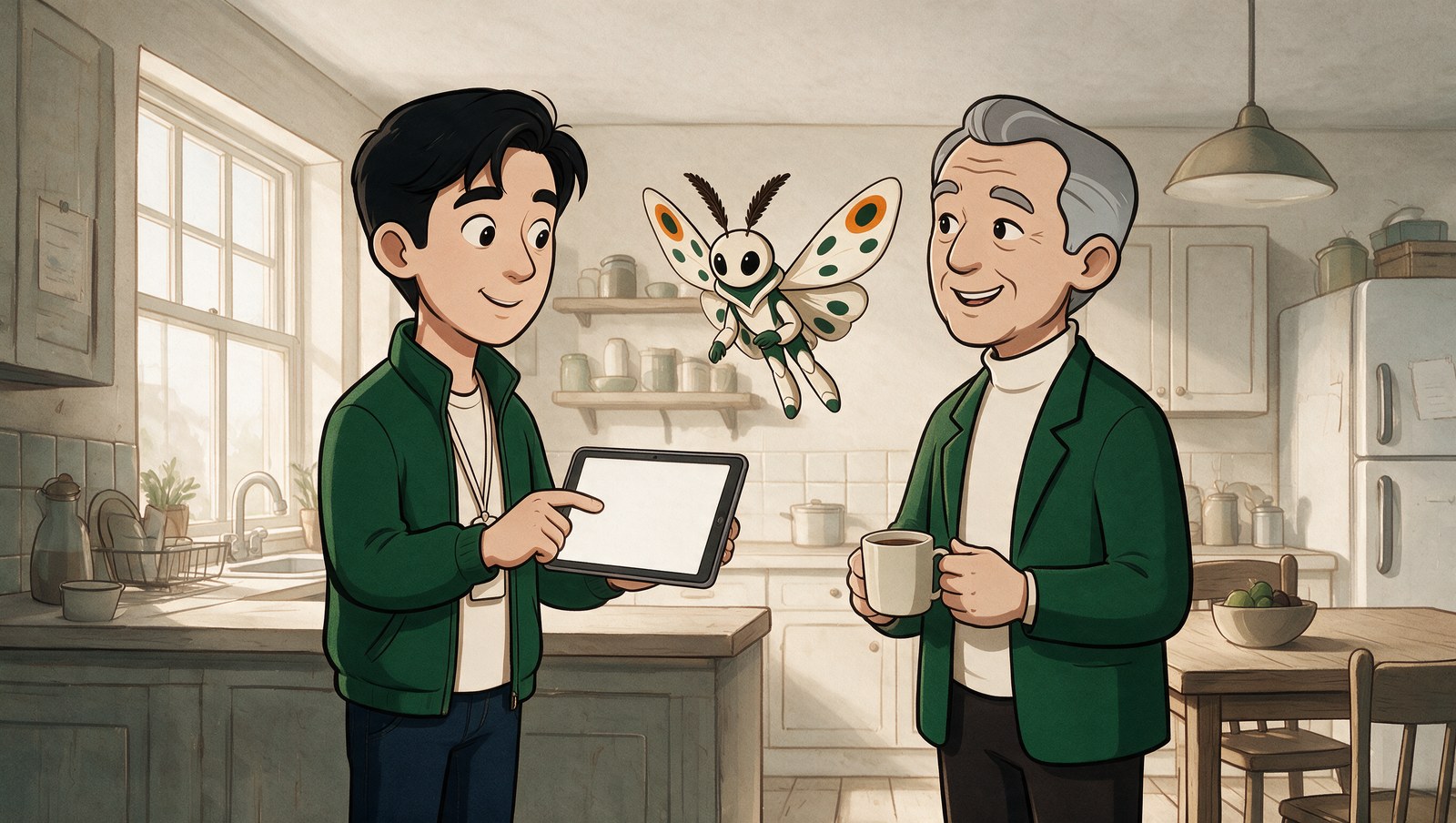
At morning handover, a residential support worker shows the manager a tablet while Mothy flies between them.

08:00

A support worker and the manager, at the start of the day

A question about the last independent visit

The support worker asks Mothy what the 8 October Regulation 44 visit recommended. He answers from the home's own record and names the source of each point, and a child cannot use Ask.

Ask answering from the home's own record, naming the Regulation 44 visit's recommendations as its source

A manager asks Chrysalis Atlas what the last independent visit recommended. Mothy answers from the home's own records and lists what it read. Ask about the home's own records. Mothy answers. It lists what it read.

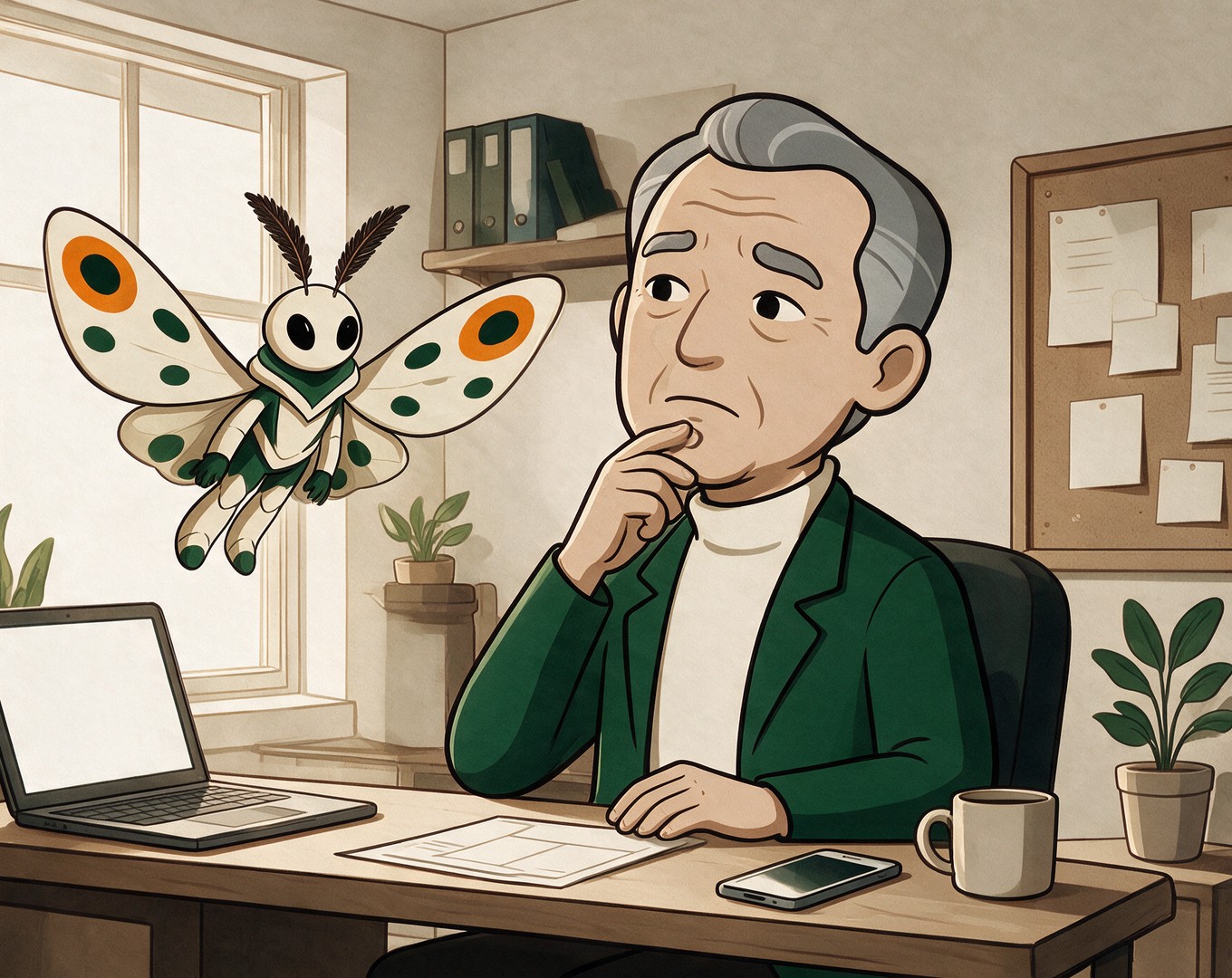
The manager at his desk, thinking, with Mothy flying beside him.

11:30

The registered manager

After an incident, the form prompts what to record

He records the incident on a form that shows prompts from a named section of the Atlas guidance. When he asks Mothy something the guidance doesn't cover, the answer says so.

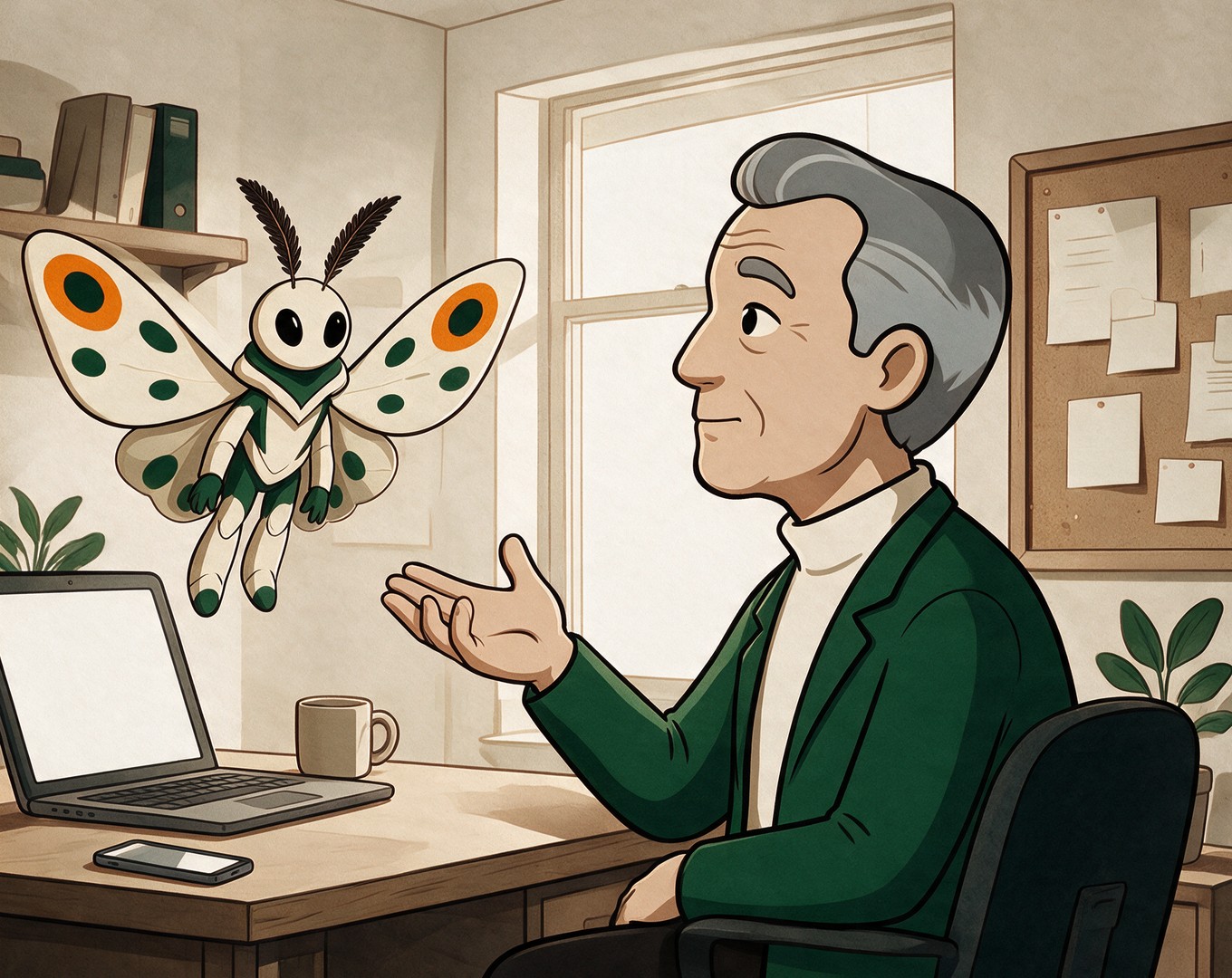
The manager asking Mothy a question at his desk.

14:00

The registered manager

He asks what Regulation 12 requires

Mothy answers from the regulations and the home's record, names the source of each point and shows the sources he read. He checks the source, then decides.

The Regulation 12 answer, with its sources

A manager asks Chrysalis Atlas what Regulation 12 requires. Mothy answers, names its sources, and lists what it read. Ask a question. Mothy answers. It names its sources. It lists what it read.

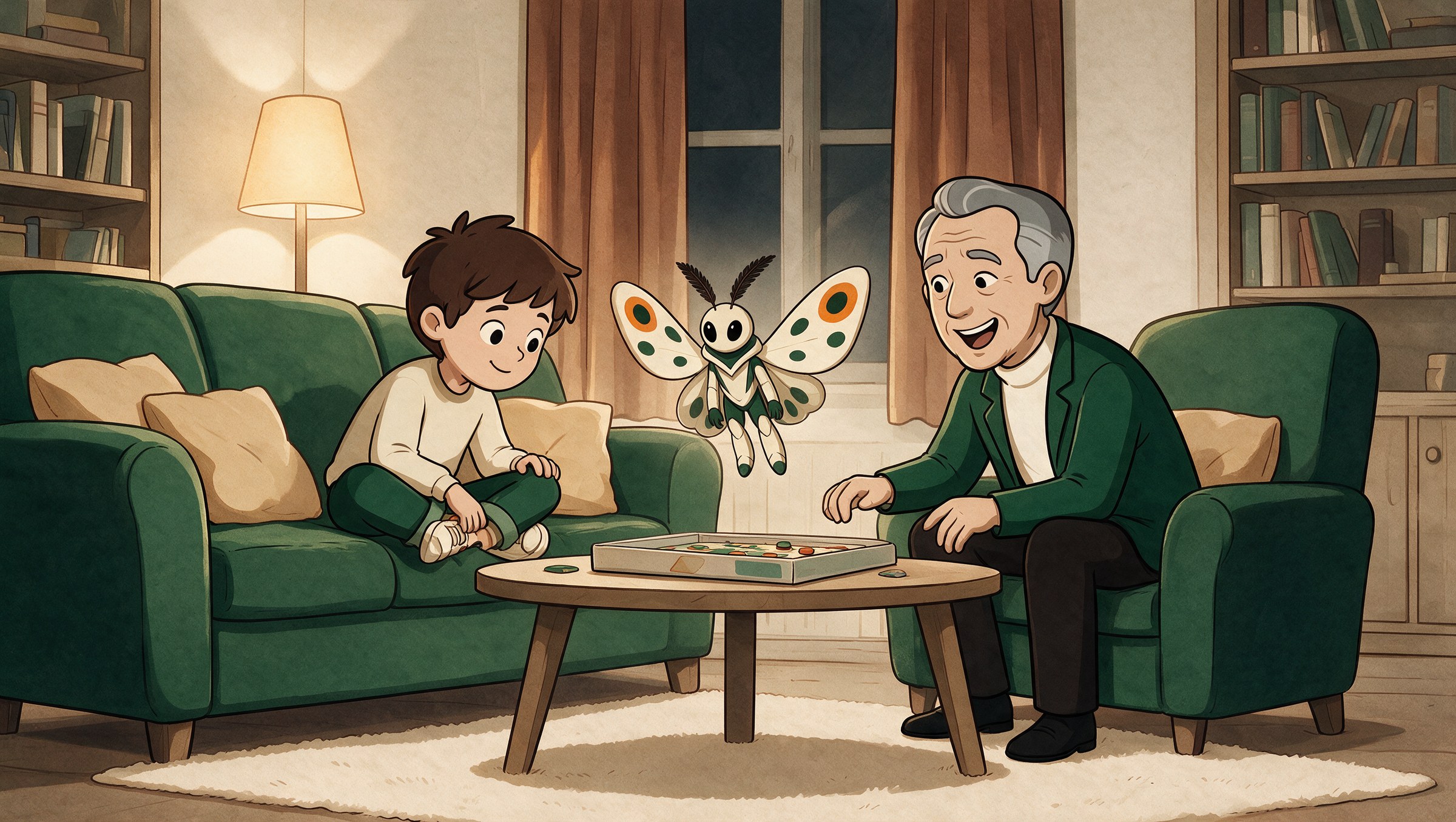
A boy and the manager playing a board game in the lounge in the evening, Mothy flying above the table.

19:30

A young person, and the manager

A board game in the lounge

The day's entries are signed, and the evening belongs to the house.

A day's signed entries in the daily record, with the young person's own words

A day in the Chrysalis Atlas daily record: each entry shows who signed it and when, one entry carries the young person's own words, and each signed entry offers 'Add a correction'. Each entry is signed. The young person's own words. A correction can be added.

Watch the walkthrough

Book a walkthrough with Austen

Write about each young person by name

Chrysalis Luna and Chrysalis Atlas are built to hold a child's real name, date of birth and health record, and none of it goes to a model provider or any third-party AI service. Only staff can ask Mothy.

Bring your own team's questions to a twenty-minute walkthrough

Book a walkthrough with Austen

Interested in everything Atlas can do?

Book a walkthrough of all the features today